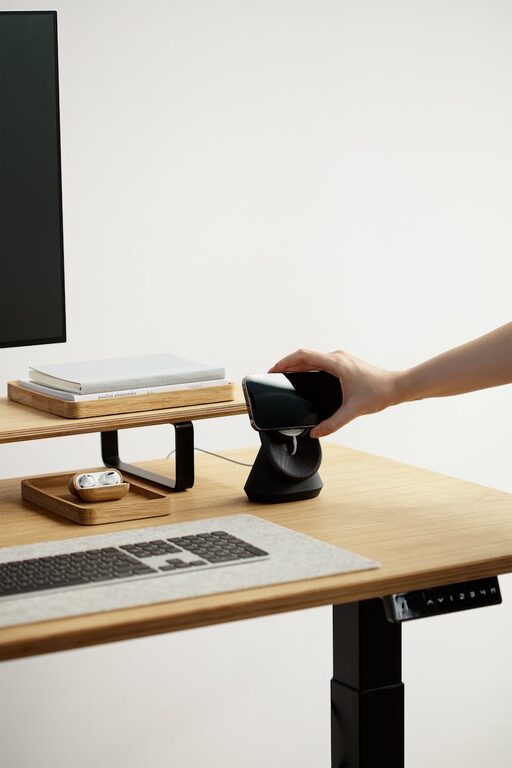
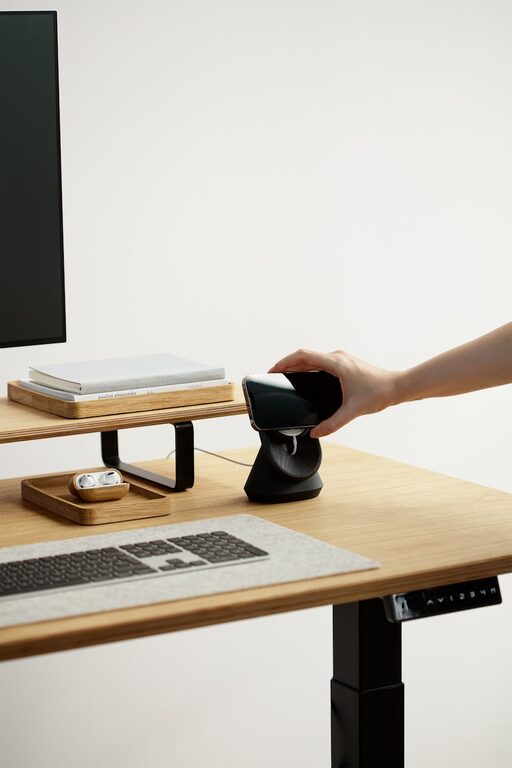
Creating a cozy and productive home workspace is essential for anyone working remotely or spending significant time at home. A well-designed workspace can enhance focus, creativity, and comfort, making your workday smoother and more enjoyable. Whether you have a dedicated room or just a small corner, these tips will help you create an environment that balances coziness with productivity.
Choose the Right Location
Start by selecting the best spot in your home for your workspace. Look for an area with good natural light, minimal distractions, and enough space for your needs.
– Natural Light: Place your desk near a window to take advantage of daylight, which can reduce eye strain and improve mood.
– Quiet Space: Choose a quiet corner or room where you can minimize interruptions.
– Space Requirements: Ensure there’s enough room for your computer, notebooks, and other work essentials.
Invest in Comfortable Furniture
Comfort plays a significant role in productivity. Choose furniture that supports good posture and stays comfortable during long working hours.
– Ergonomic Chair: Select a chair that supports your back and encourages proper posture.
– Desk Height: Your desk should be at a height where your arms rest comfortably at a 90-degree angle while typing.
– Adjustable Options: Consider adjustable desks or chairs that allow you to switch between sitting and standing.
Personalize Your Workspace
Adding personal touches makes the workspace inviting and helps boost motivation.
– Plants: Small indoor plants improve air quality and add a natural touch.
– Decor: Use artwork, photos, or meaningful items that inspire you.
– Color Palette: Choose calming and neutral colors or use accents that energize you.
Keep It Organized
Clutter can be distracting and increase stress. Establish organization habits to keep your space tidy.
– Storage Solutions: Use shelves, drawers, or boxes to store supplies neatly.
– Cable Management: Keep cables organized using clips or cable sleeves.
– Daily Cleanup: Spend a few minutes at the end of each day tidying up your desk.
Optimize Lighting
Good lighting reduces eye strain and keeps you alert.
– Layered Lighting: Combine natural, overhead, and task lighting for balanced illumination.
– Desk Lamp: Use a lamp with adjustable brightness and color temperature.
– Avoid Glare: Position your screen to avoid glare from windows or lights.
Minimize Distractions
A focused environment helps improve work output.
– Noise Control: Use noise-cancelling headphones or white noise machines if needed.
– Limit Interruptions: Inform family members or roommates of your work hours.
– Digital Declutter: Organize your digital workspace and reduce non-essential notifications.
Incorporate Healthy Habits
Design your space to encourage breaks and physical activity.
– Movement-Friendly: Choose a location where you can easily stand up or stretch.
– Hydration Station: Keep a water bottle nearby to stay hydrated.
– Break Reminders: Set timers to take short breaks and rest your eyes.
Utilize Technology Effectively
Leverage tools and devices to enhance your workflow.
– Reliable Internet: Ensure a strong and stable internet connection.
– Quality Equipment: Use a good keyboard, mouse, and headset.
– Productivity Apps: Utilize apps for time management, note-taking, and task tracking.
Final Thoughts
Creating a cozy and productive home workspace is about balancing comfort with functionality. By choosing the right location, investing in ergonomic furniture, personalizing your area, and maintaining organization, you can set yourself up for success. Remember to adjust your workspace as your needs evolve to stay motivated and productive every day.
By incorporating these tips, your home workspace can become a place where you feel both comfortable and focused, turning remote work into a rewarding experience.